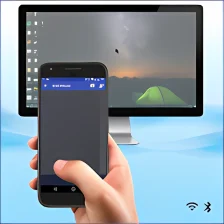
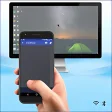
Turn your android phone into wireless mouse, keyboard and touchpad
remote mouse is a free software also available for Mac, Windows Phone, belonging to the category Tools & Utilities and has been published by necta.
More about remote mouse
The program version is 6.6 and its last update happened on 2/3/12. remote mouse is available for users with the operating system Android 2.1 and higher versions, and you can get it in English.
The install size of remote mouse depends on your mobile device.
Since we added this app to our catalog in 2012, it has obtained 5,034 installations, and last week it achieved 3 downloads.















User reviews about remote mouse
Have you tried remote mouse? Be the first to leave your opinion!